
How to Turn On MFA Without Frustrating a Small Team
FRFrozen River Security

Multi-factor authentication means a password alone is not enough to get into an account. For a small business, that matters because email, banking, bookkeeping, payroll, and cloud storage often run the whole operation. If one password is stolen, MFA can be the thing that keeps the attacker out.
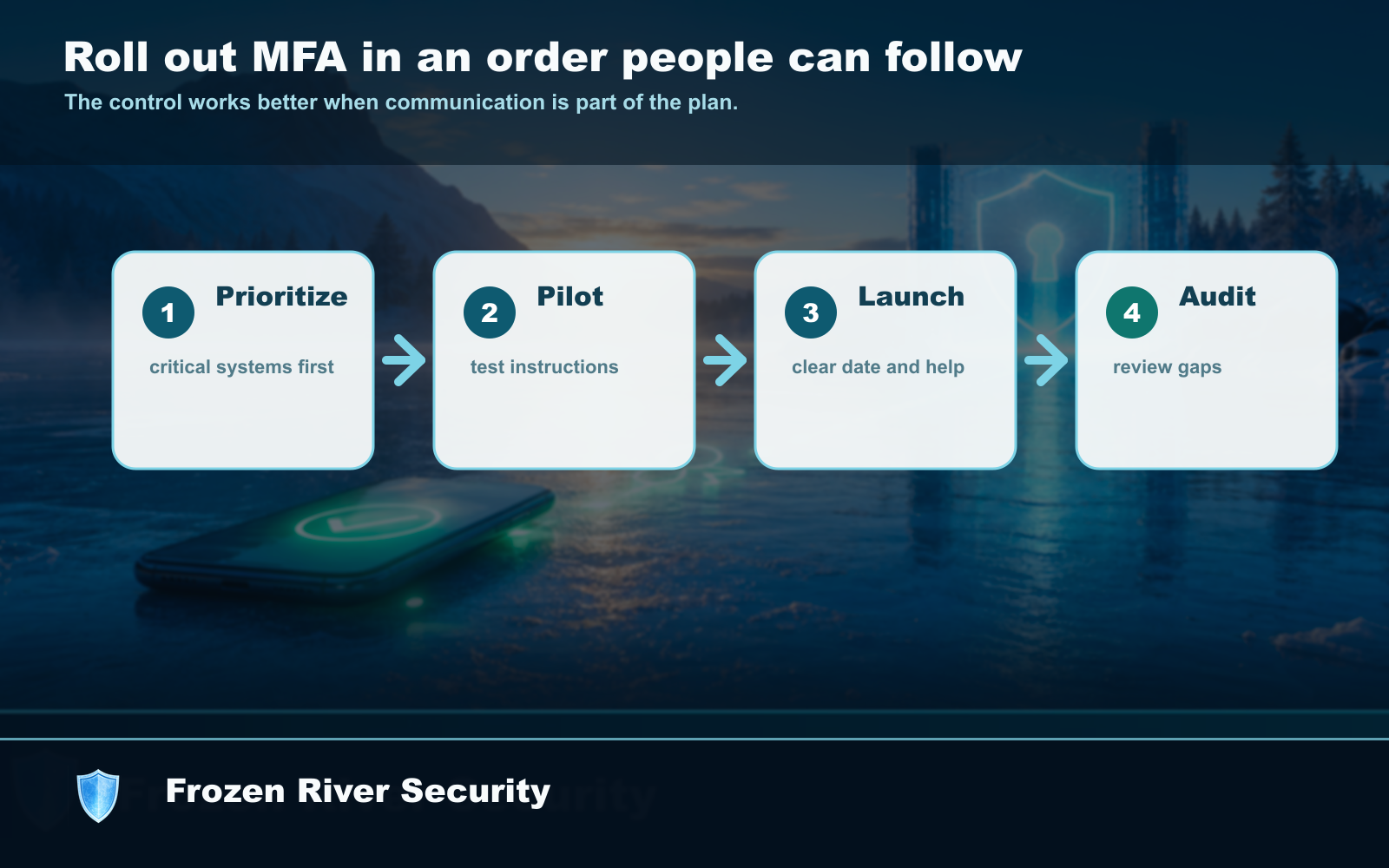
A small-team rollout plan
- Start with the owner and anyone who handles money, email, payroll, or customer records.
- Turn on MFA for email first, then banking, bookkeeping, payroll, and cloud storage.
- Use an authenticator app or passkey when possible. SMS is better than no MFA, but not ideal.
- Write down recovery steps before someone loses a phone.
- Keep backup codes somewhere secure that the business owner can access in an emergency.
Plan for lost phones
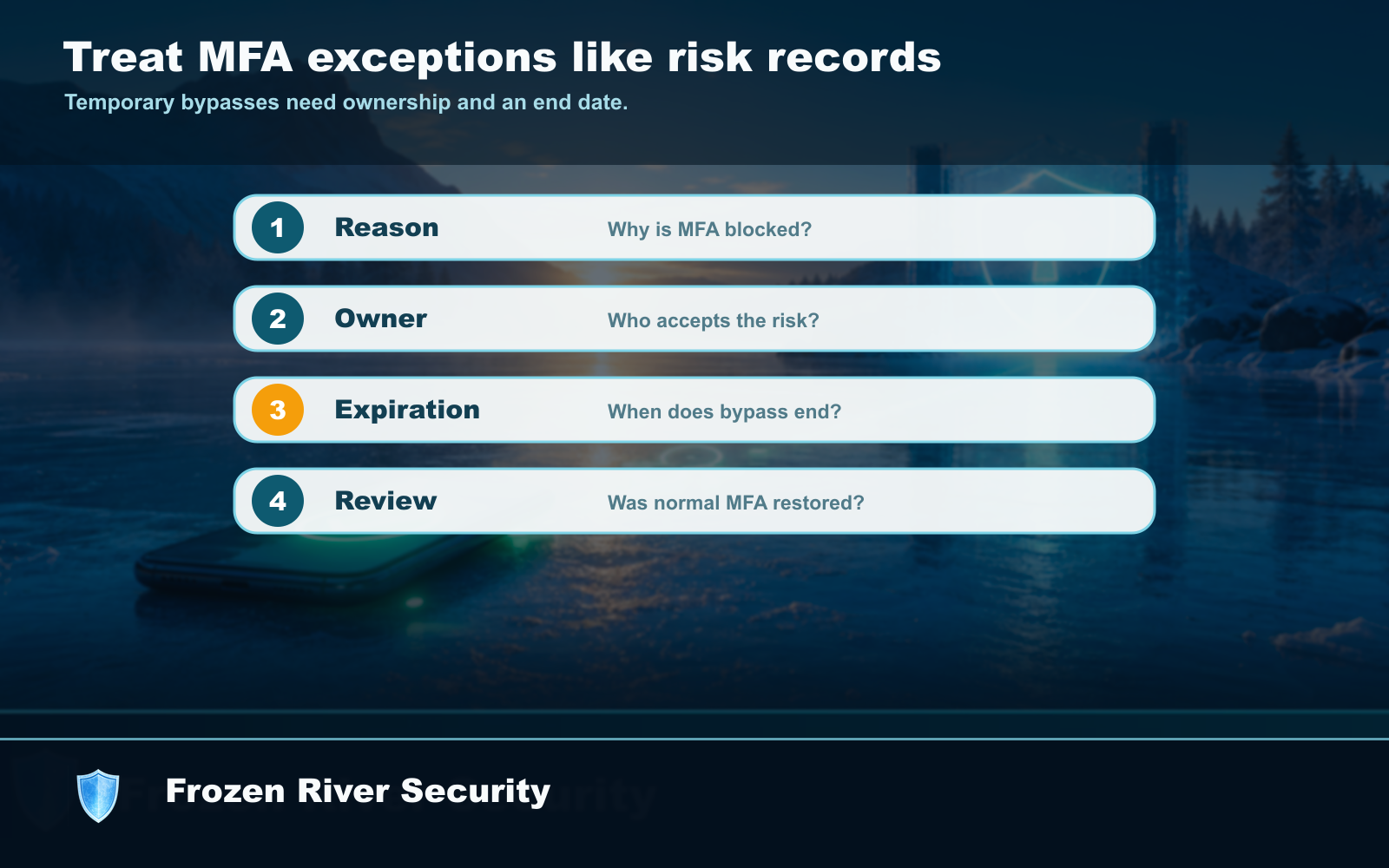
The most common MFA problem is not technology. It is someone getting a new phone, losing a phone, or leaving the business. Before you turn MFA on everywhere, decide who can recover accounts and where backup codes are stored.
MFA setup checklist
- Owner account protected first.
- Email accounts protected next.
- Banking, payroll, bookkeeping, and cloud storage protected.
- Backup codes stored securely.
- Old employee recovery methods removed when someone leaves.