
Phishing Red Flags for Small Businesses

For a small business, phishing usually shows up as something ordinary: a fake invoice, a password reset, a delivery notice, a bank alert, or a message that looks like it came from a vendor. You do not need a security team to catch many of these. You need a short pause before you click, pay, sign in, or download.
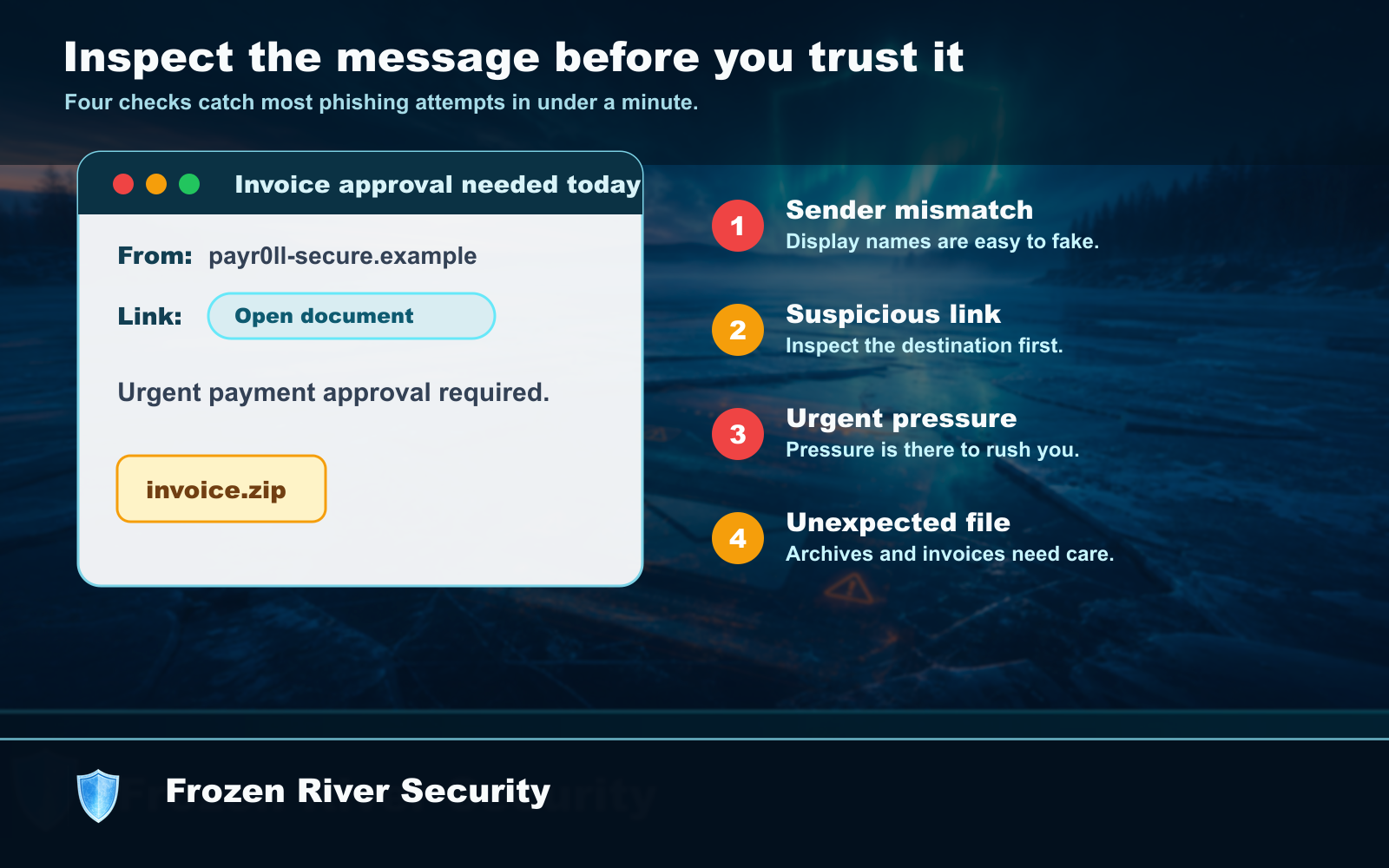
The red flags that matter most
Before you act, check for:
- A vendor, bank, payroll, or shipping message you were not expecting.
- A sender address that is close to the real one, but slightly wrong.
- A link asking you to sign in from an email instead of your normal bookmark or app.
- Pressure to pay, approve, reset, or respond right away.
- An attachment you did not ask for, especially a zip file, invoice, or shared document.
Use a second path
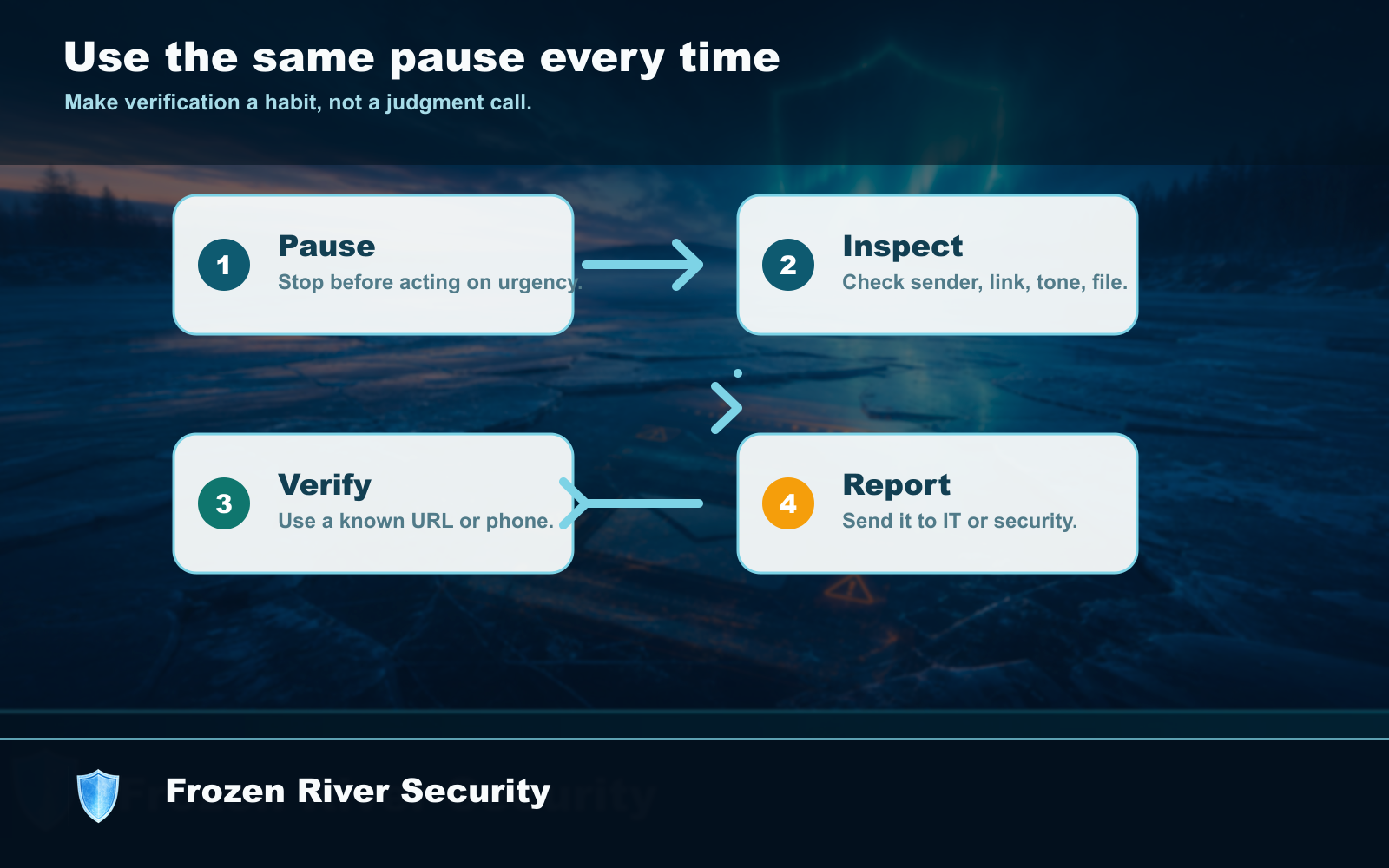
Do not reply to the suspicious message to ask if it is real. Use another path. Open your bank, payroll, email, or vendor portal from a saved bookmark. Call the vendor using the number you already have. Text the employee from your contacts, not the number in the message.
A 60-second routine
- Stop before clicking or paying.
- Check the real sender address.
- Open the service yourself instead of using the email link.
- Verify payment or account changes by phone or a known channel.
This does not have to be complicated. Put the routine near the computer where invoices are paid. Use it every time a message asks for money, passwords, codes, or files.